Hello Linux
FLUG Presentation
April 3, 2026
What is a computer?
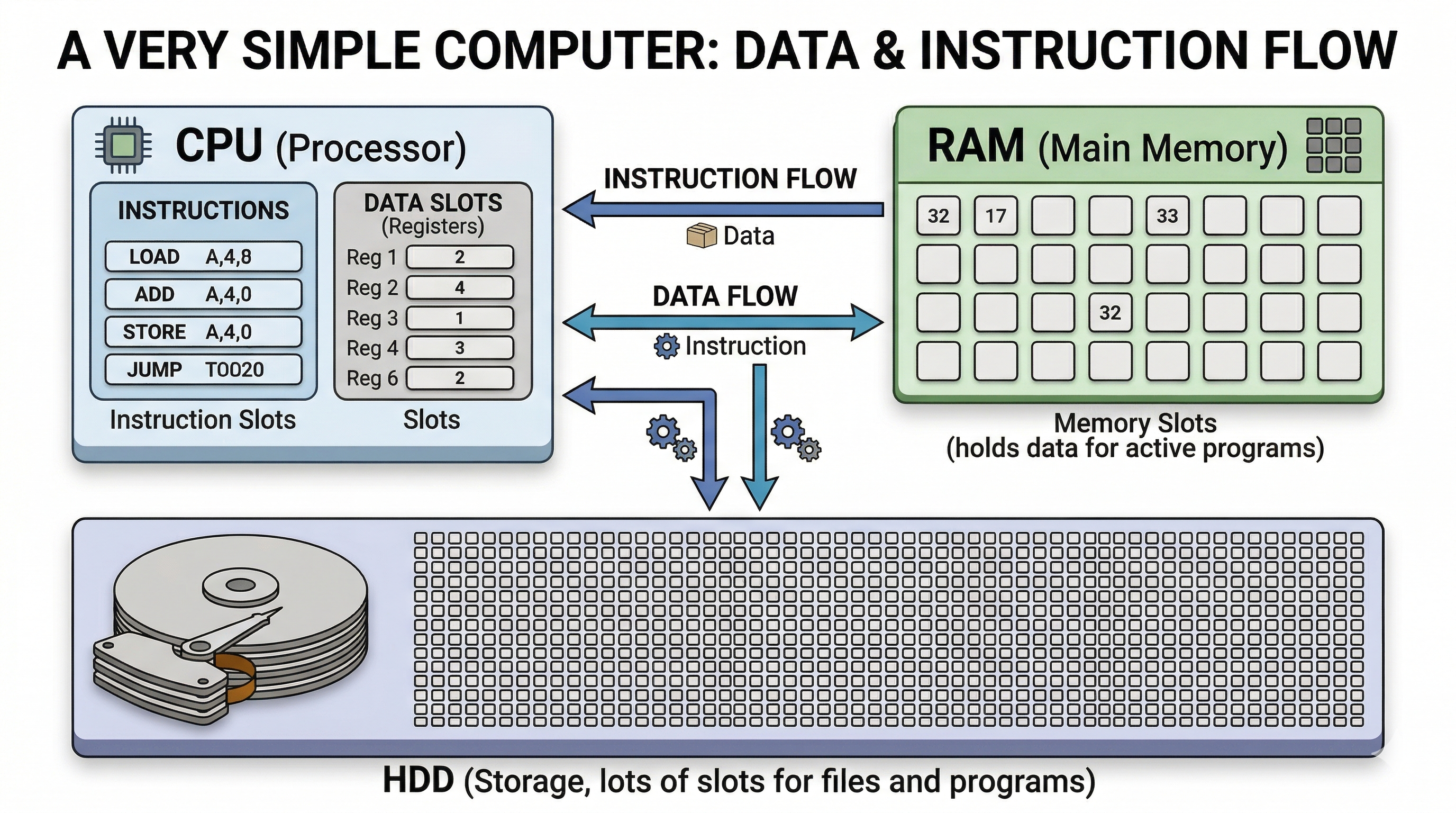
The kernel
- Kernel loads data from RAM to CPU
- Kernel decides who gets to run on CPU
- Kernel knows how to talk with HDD and other devices
Linux is a kernel
There are others, including:
- Windows NT (Windows)
- XNU (macOS / iOS)
- BSD (FreeBSD, OpenBSD, NetBSD)
Linus Torvalds

Kernel vs userspace
-
Kernel Space
- Core operating system
- Unrestricted access to hardware and memory
- Runs in privileged mode
-
User Space
- Where user applications run (e.g., your browser)
- Restricted access (must ask kernel for resources)
- Communicates with kernel via System Calls
Userspace -- GNU
- GNU's Not Unix!
- Started in 1983 by Richard Stallman to create a free operating system
-
Provides core user utilities (Coreutils) like
ls,cp, andrm - Provides the standard shell (Bash) and compiler (GCC)
- Provides the C Library (glibc) which acts as the bridge between user space and the kernel
- This is why the complete OS is often referred to as GNU/Linux!
Richard Stallman

Free Software vs Open Source
-
Free Software (Stallman/FSF)
Focuses on ethics and user freedom. "Free as in speech, not free as in beer."
-
The Four Freedoms:
- 0. Run the program for any purpose.
- 1. Study and change the source code.
- 2. Redistribute exact copies.
- 3. Distribute modified versions.
Free Software vs Open Source
-
Open Source
Focuses on practical benefits (building better software through collaboration).
OK; so you have GNU/Linux
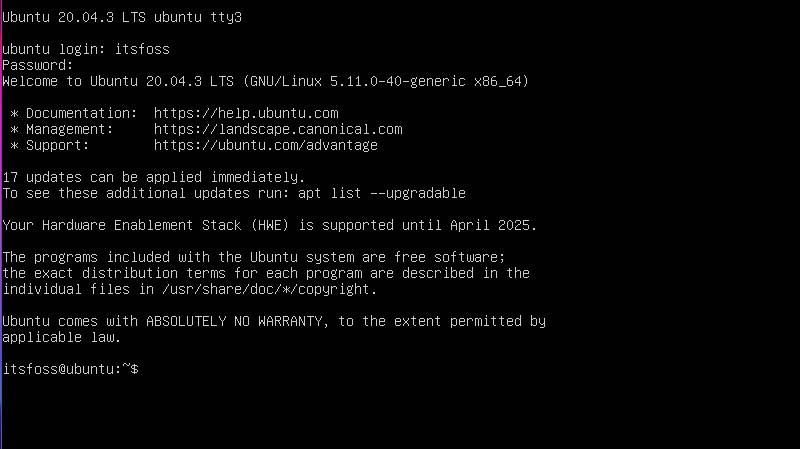
Display Servers: Xorg & Wayland
- Xorg (X11): The traditional display server. Extremely compatible, but burdened by decades of legacy code.
- Wayland: The modern replacement protocol. Designed to be simpler, more secure, and tear-free. Now the default on most modern distros.
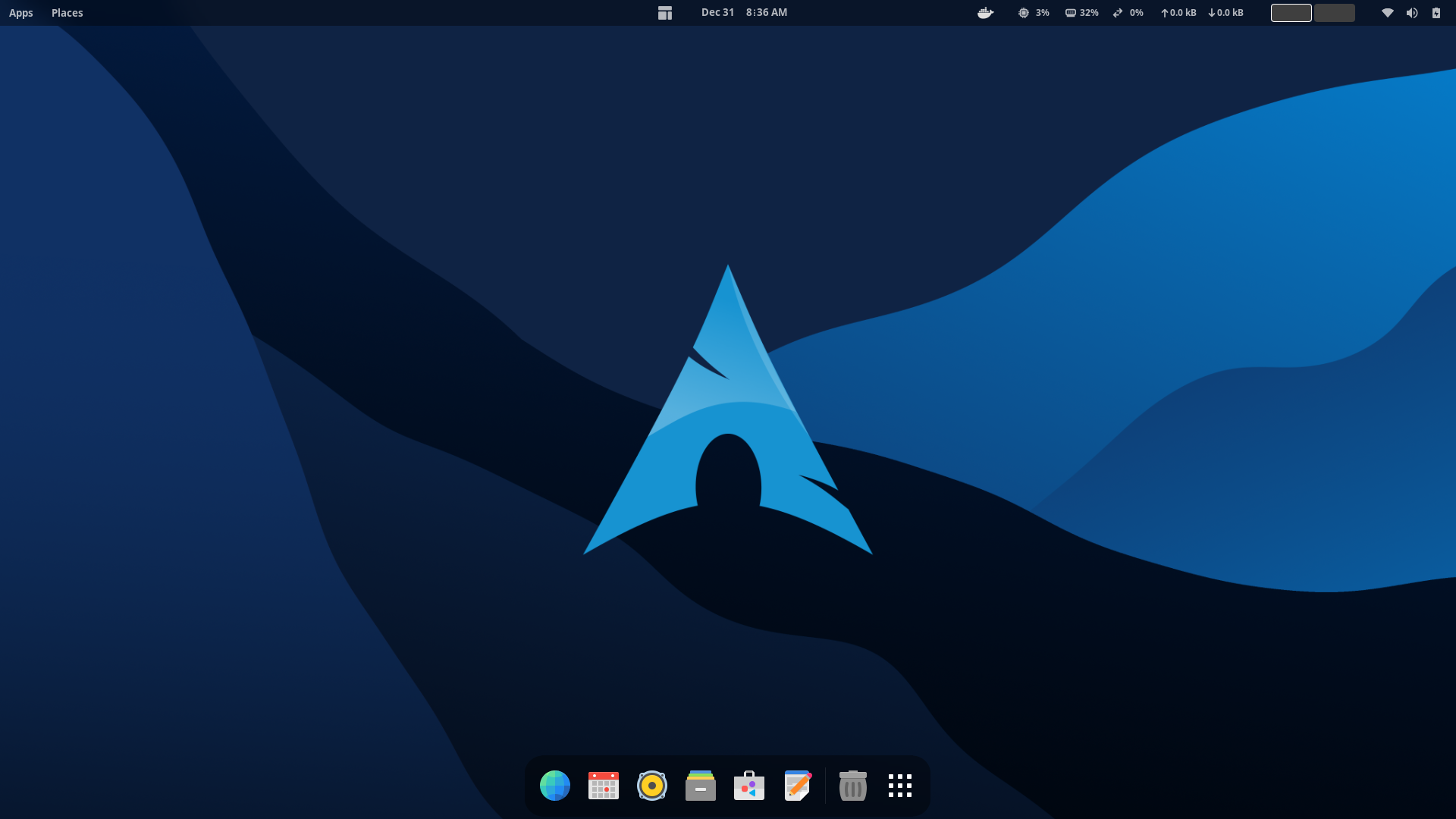
Desktop Environments
Often what users interact with directly. They provide the graphical interface, window management, panels, and bundled applications.
GNOME
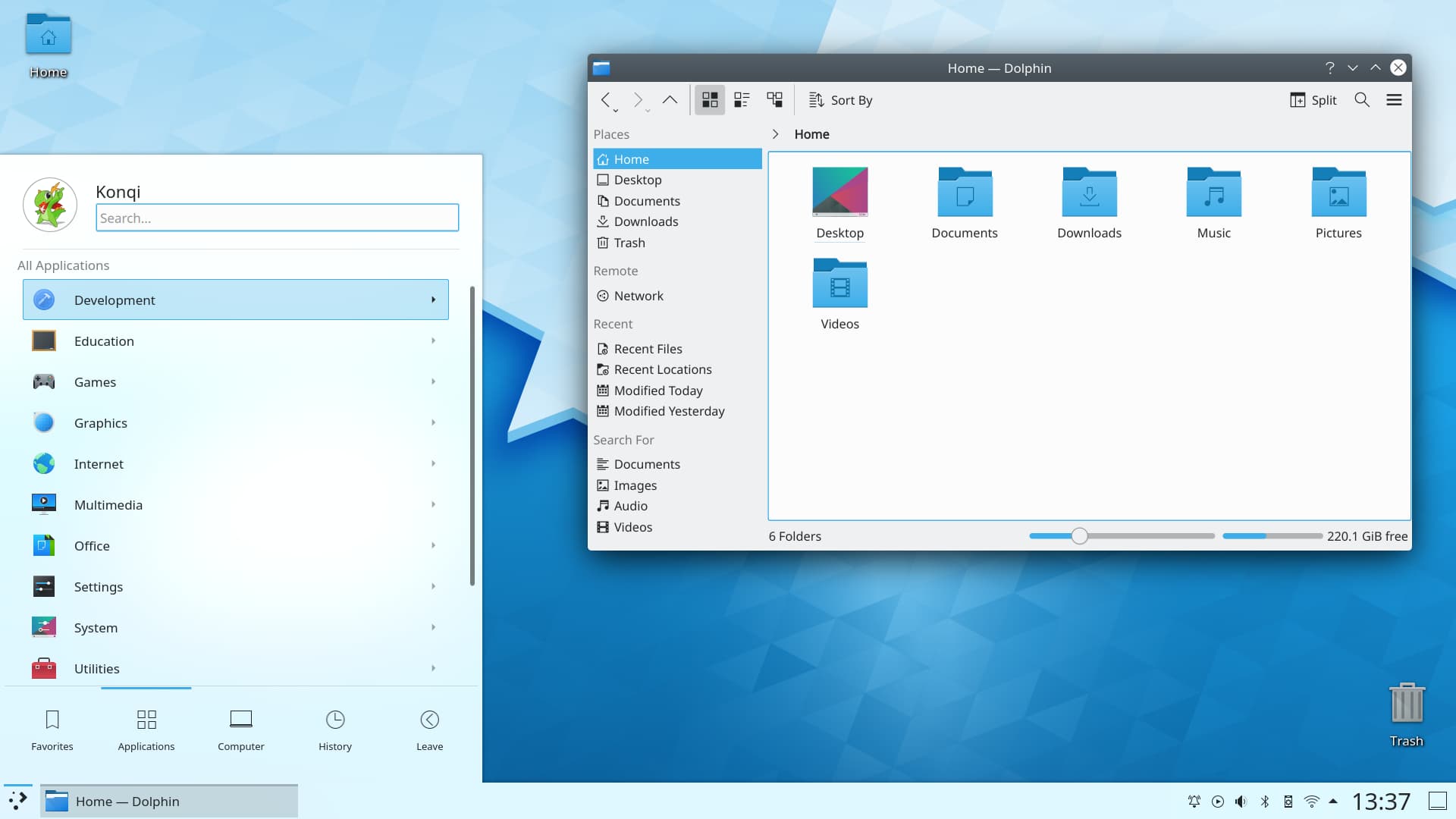
KDE Plasma
More software
You need more than just a pretty desktop; you need usefull applications!
- Most browsers (Chrome, Firefox, Safari) work in Linux
- There are many open-source Linux-native tools, like LibreOffice
- ... and we can run Windows applications using WINE
Package Managers
- Like an App Store, but built for the command line (and much older).
- Automates installing, upgrading, configuring, and removing software.
- Resolves dependencies (if App A needs App B, it installs B automatically).
-
Examples:
apt(Debian/Ubuntu),pacman(Arch),dnf(Fedora).
Linux distributions
So many choices! Distros make some of these decisions for you. They bundle a package manager, display manager, configuration files, etc for you.
- Debian-based (Ubuntu)
- Arch-based (Arch, Manjaro, CachyOS)
- Redhat (Fedora, RHEL)
- Gentoo (no.)
Try things out
You run Linux on your computer without installing it. Try out a few different window managers and distributions.
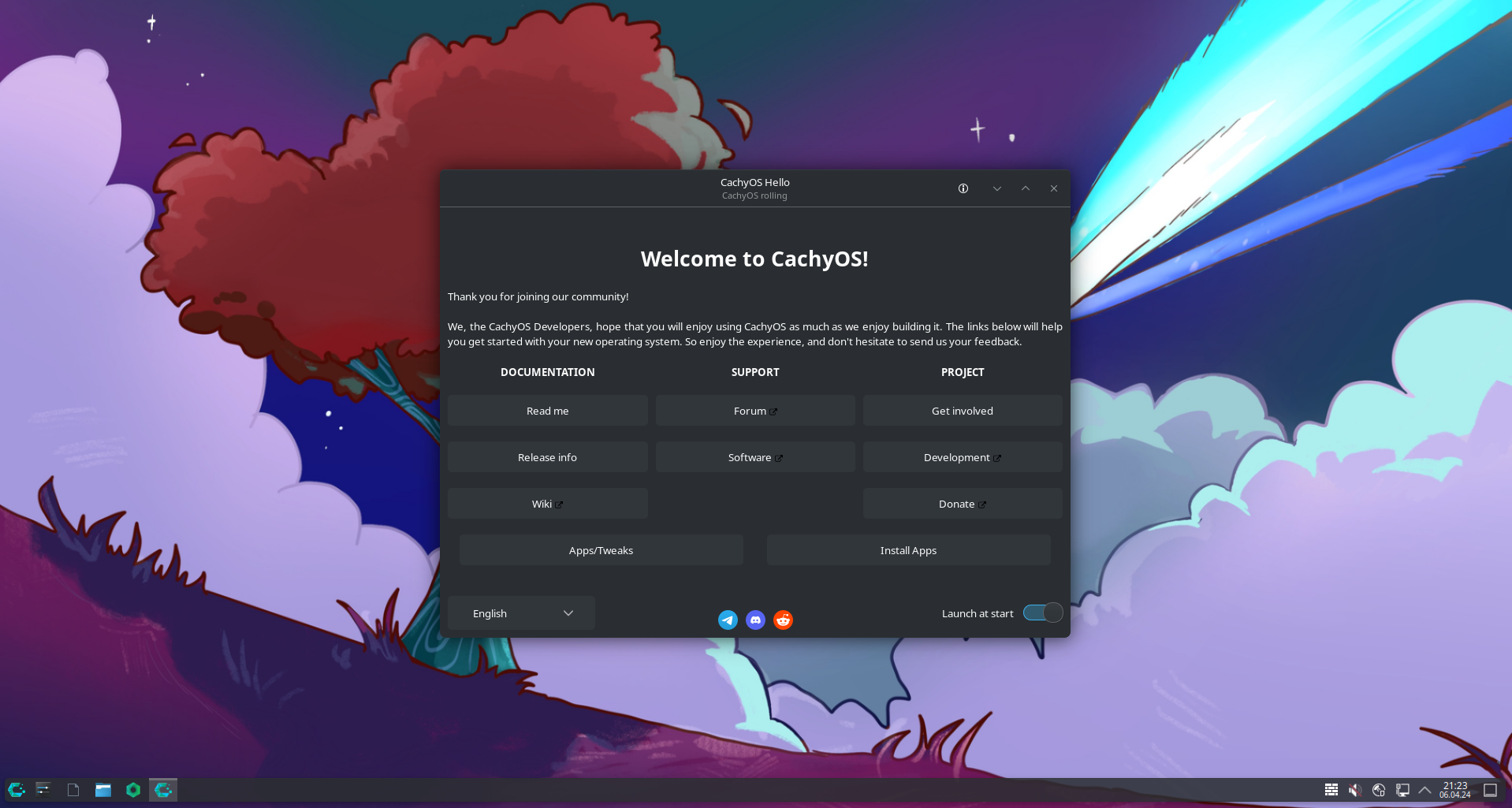
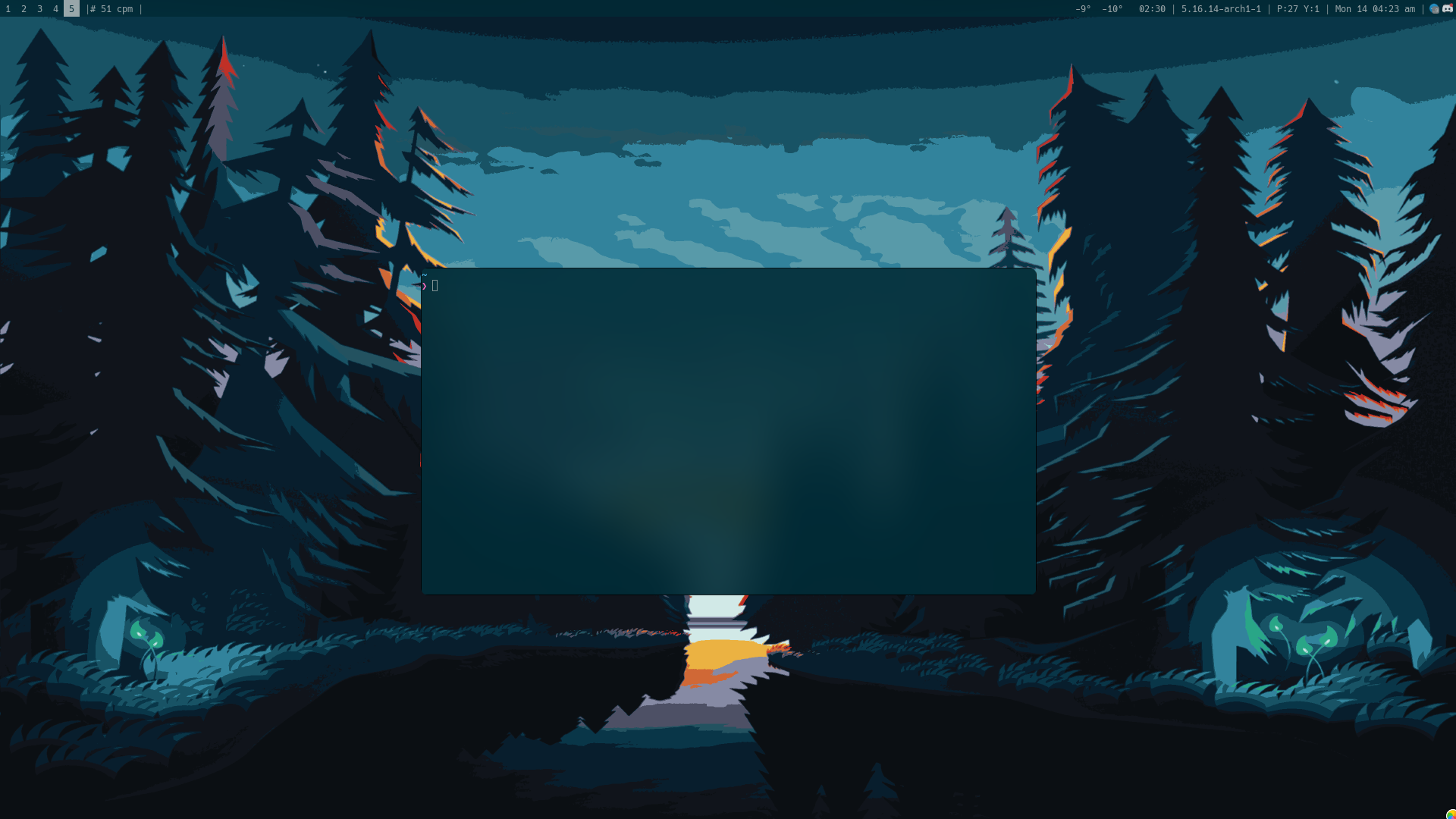
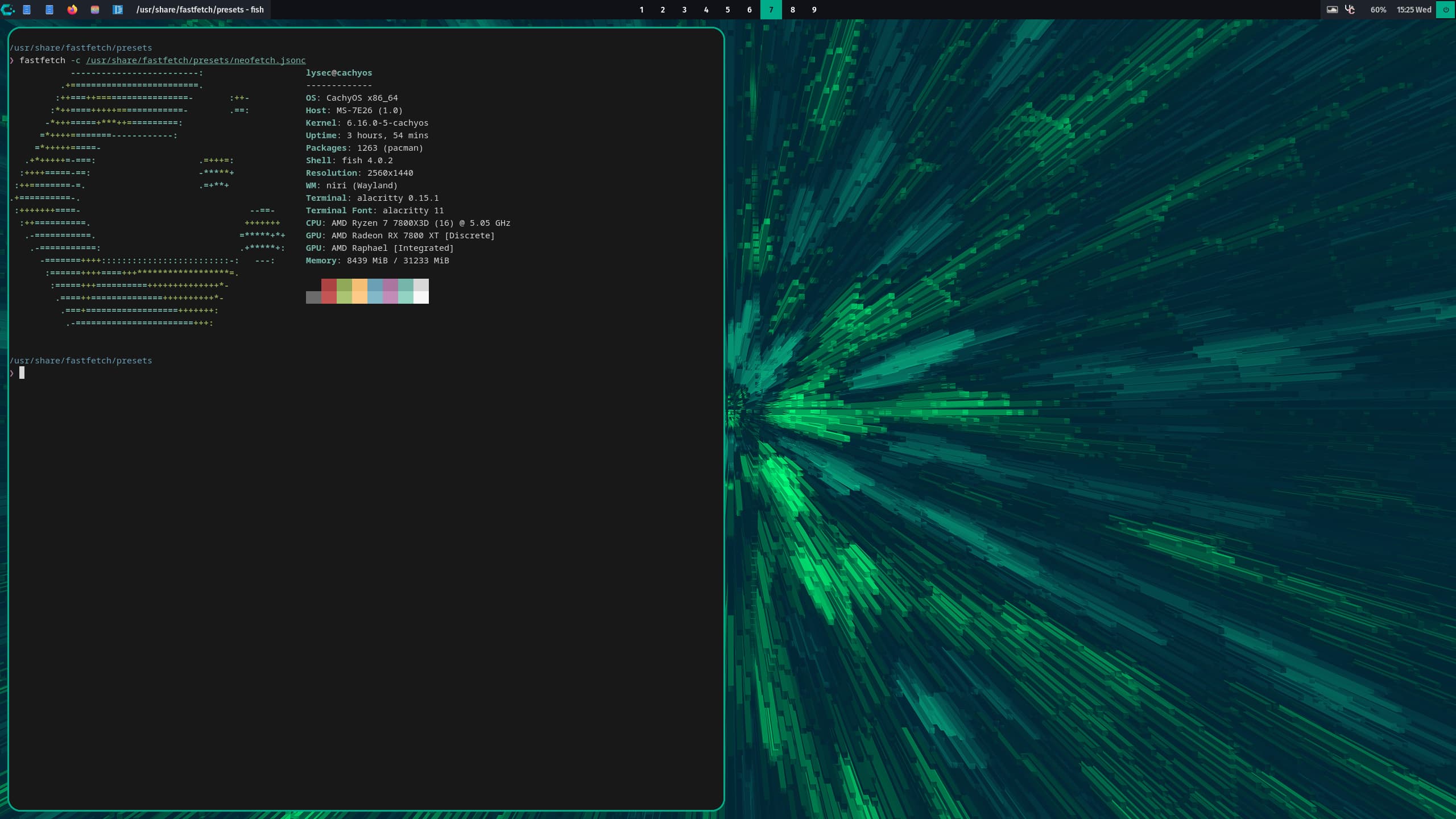
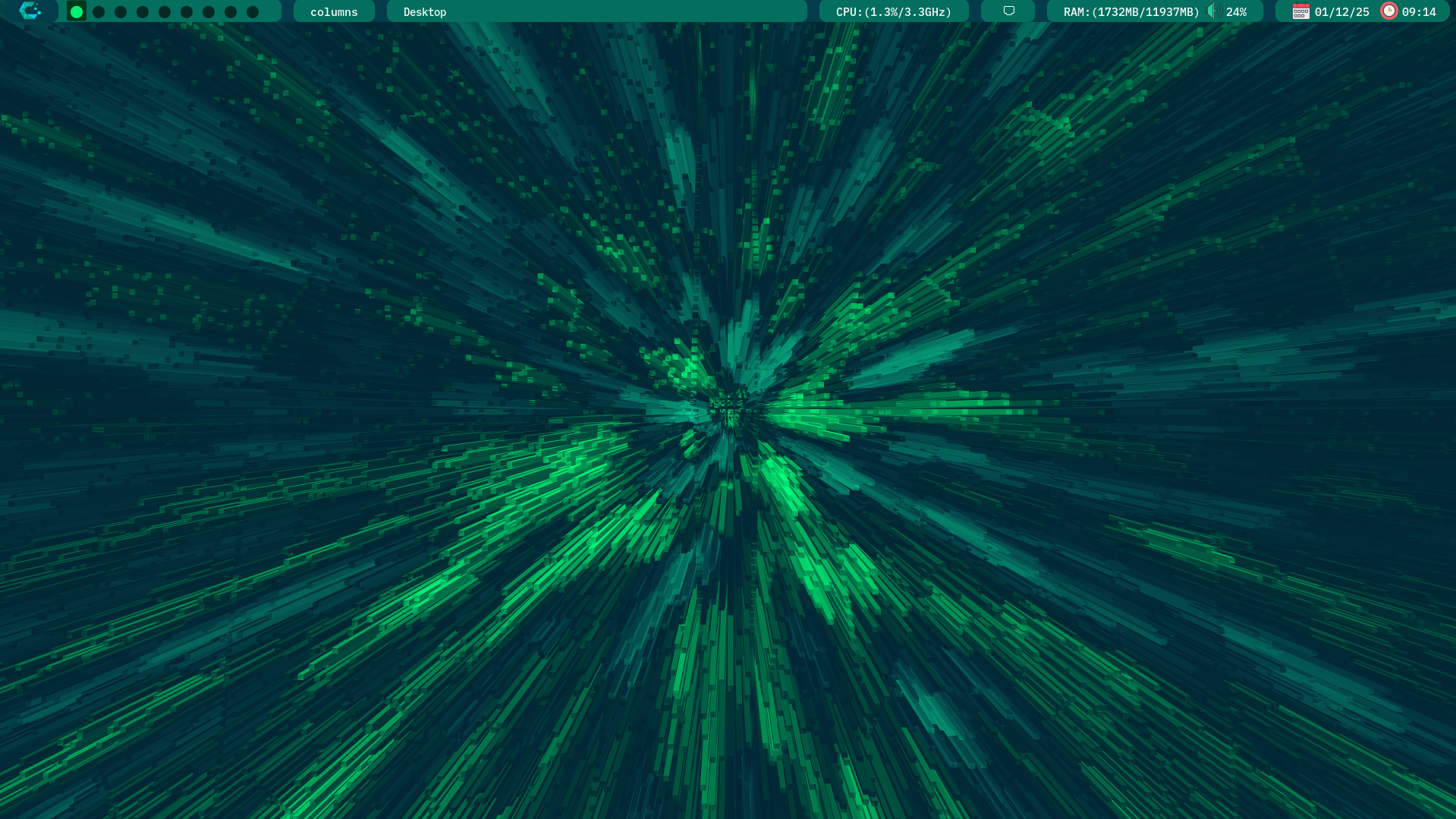
Today, I recommend trying CachyOS
- It feels snappy
- Has lots of desktop environments
- One of the best package managers
CachyOS - KDE Plasma
CachyOS - i3
CachyOS - Niri
CachyOS - Qtile
CachyOS - Wayfire
But.. why?
But.. why?
But.. why?

Thank You
Questions?